This is the first class that grew up inside AI. They reached for a model before a blank page all through school, and most offices still have some catching up to do.
A GENERATION THAT THINKS IN PROMPTS
These hires move fast and produce a lot, and employers know it. The share of entry-level jobs asking for AI skills has nearly tripled in a year, so fluency is becoming table stakes rather than a bonus. The catch shows up later. The same people producing more work also produce more mistakes, and they need more review than most managers planned for. So the sharper employers have changed what they screen for. Now they test for judgment: whether a candidate knows when to skip the tool, and how to spot a wrong answer when it comes back.
THE WORK MOVED INTO THE BROWSER, AND SO DID THE RISK
When an AI-native employee works, nearly all of it happens in one place: a browser tab. The research assistant is a tab. So is the writing tool, the code helper, and the dozen products they picked up in college. They find a tool on their own, paste in whatever they’re working on, and get an answer back in seconds, usually before IT has even heard of it.
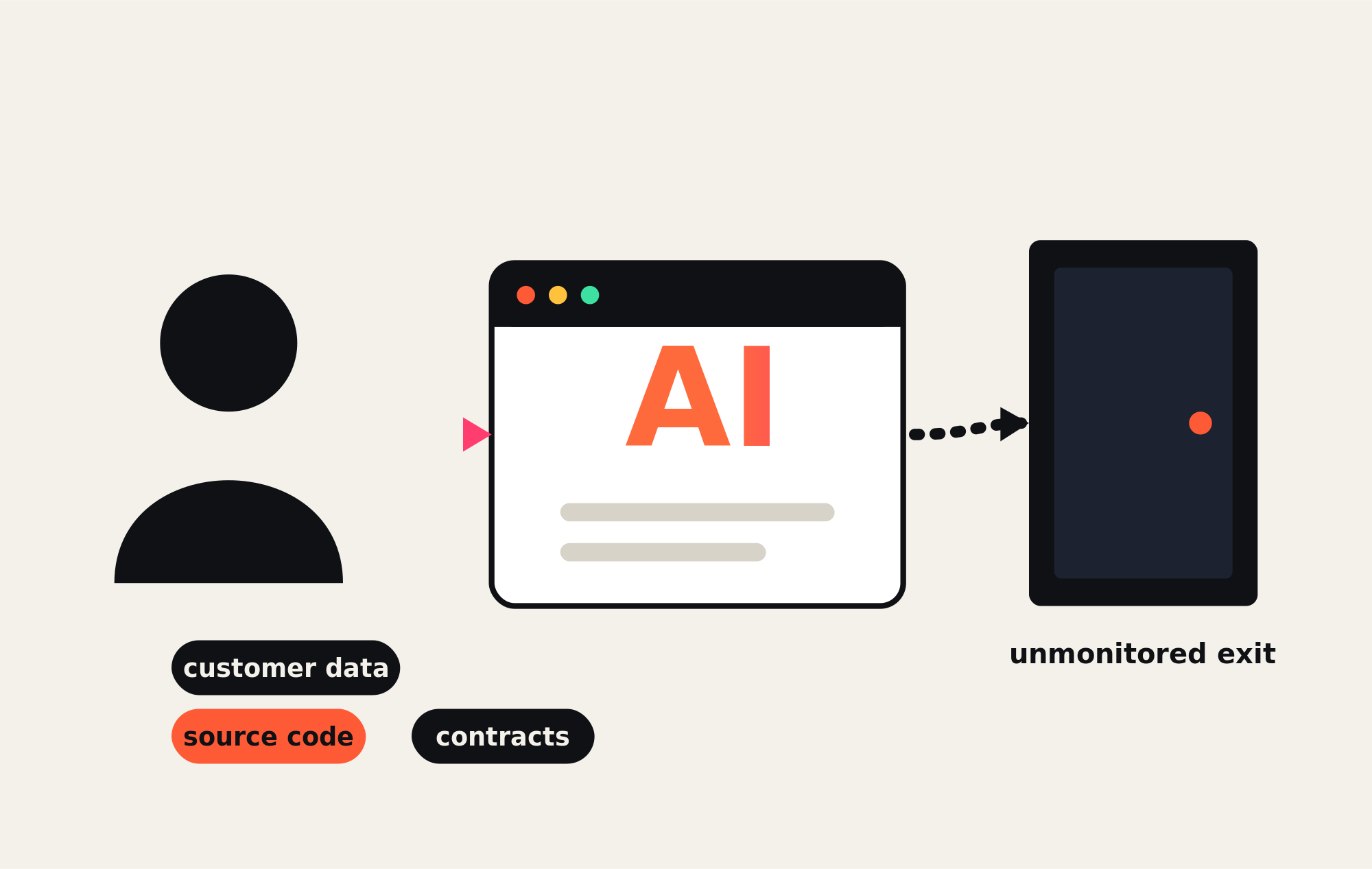
Now look at what gets pasted in: customer lists, source code, contracts, financials. The intent is almost always helpful, which is exactly why it spreads so quietly. People call this shadow AI, and it has grown faster than shadow IT ever did. Endpoint agents watch the device. DNS filters watch the domain. Both miss the same thing: what a logged-in employee types into a tab that looks completely sanctioned.
A TUESDAY, BASICALLY
A new analyst has a board deck due by lunch. She pastes last quarter’s revenue table into an AI tool to fix the formatting, drops in three customer names to draft talking points, and asks it to tighten the summary. Forty seconds later the deck looks great. The company just had its numbers and its client list typed into a service nobody approved, and every control it owns logged the whole thing as ordinary web traffic.
“By the time the data leaves the tab, it is already gone. The control that would have caught it belonged inside the page itself.”
THE CONTROL LAYER IS THE BROWSER ITSELF
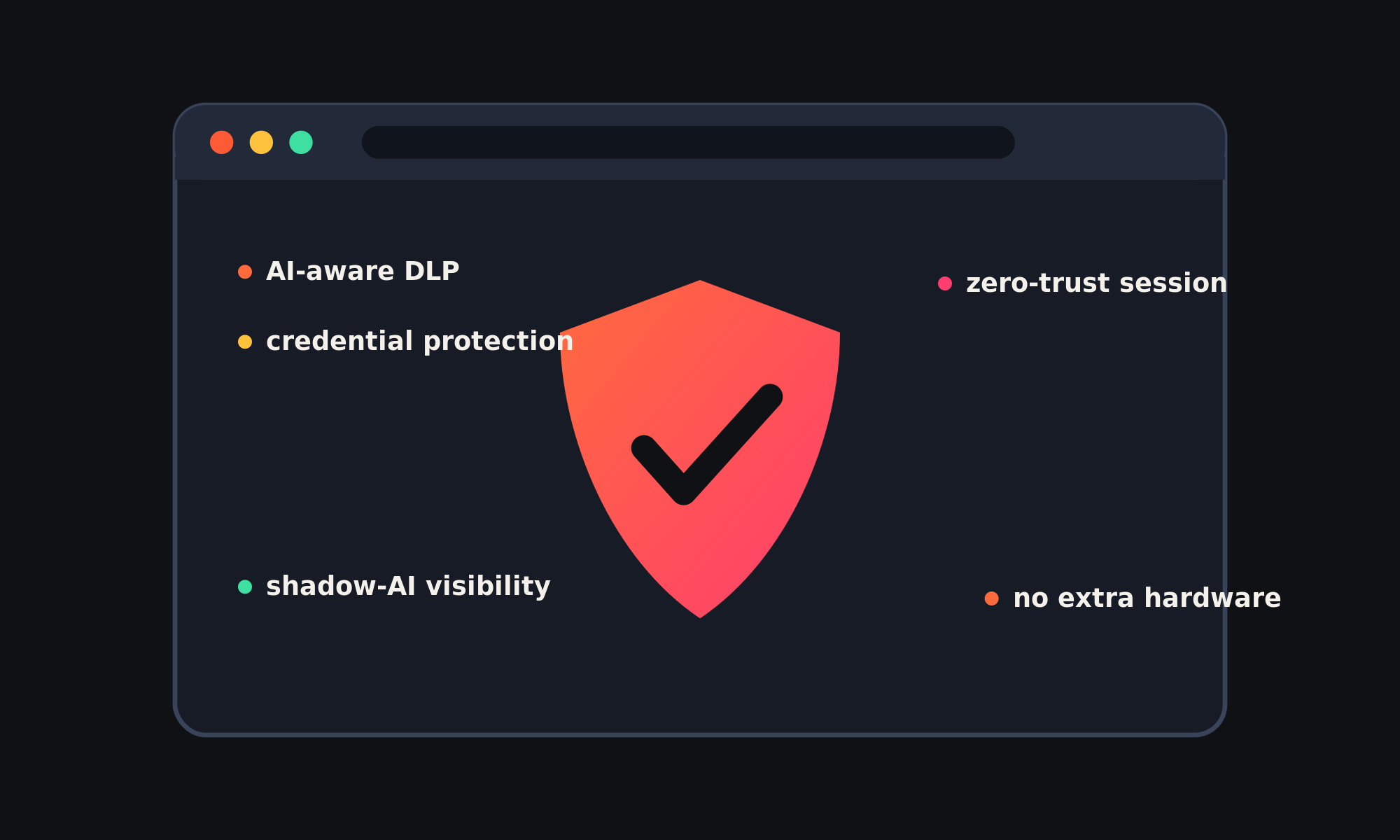
If the work, the tools, and the risk now live in the browser, that is where the controls have to sit too, right inside the session. That means data-loss prevention that actually understands AI tools, so someone can brainstorm in ChatGPT but gets stopped before they paste a customer database into it. It means catching reused passwords and phishing before they cost you a login, and finally seeing which AI services your team leans on every day.
FOR THE MSP, THIS IS RECURRING REVENUE
Here is the part that matters most to the people selling security. This shift is arriving just as managed security becomes the fastest-growing service an MSP can offer, now sold by more than 80% of providers and climbing close to 18% a year. Browser-native protection fits that model cleanly. It bills monthly, deploys across an entire client base with no new hardware, and carries your brand, so it deepens the relationship while it earns. Specialized security commands premium pricing too, so the work pays for itself and then some.
This is what DefensX was built to do, for you and your clients.
Zero-trust security and AI-aware data-loss prevention live right inside the browser session, where the work happens. It installs in minutes, runs multi-tenant under your own brand, and quietly cuts support tickets while it protects. Your clients get stronger security, and you get a recurring line that grows with every seat you add.
Your clients’ new hires already showed up fluent.
The MSPs that hand them a safe place to work will be the ones that grow alongside them.