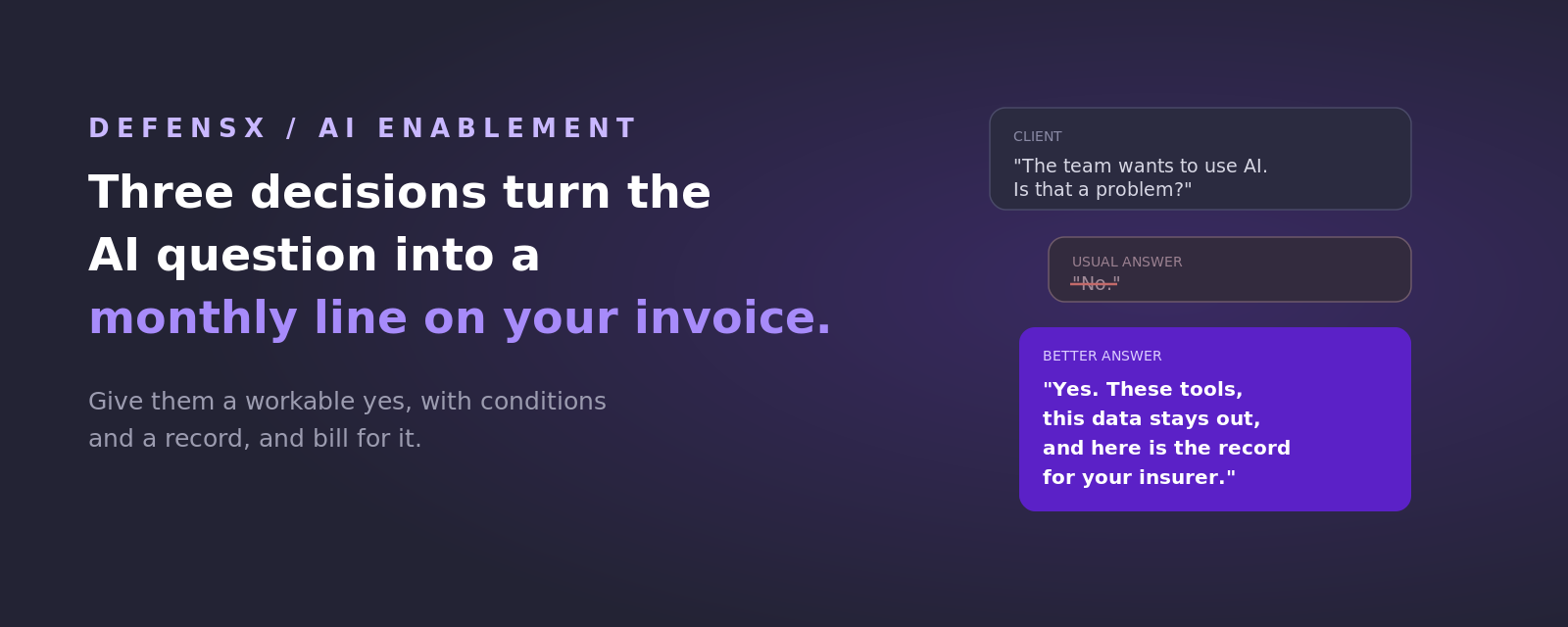
The call comes in some version of the same sentence: “the team wants to use AI, is that a problem?” It is a business question wearing a technical costume, and it lands on the MSP because there is nobody else to ask. The owner has read enough to be nervous and heard enough to be excited. What they want is permission with a floor under it.
Most of them get a no, offered as the safest answer available to someone with no way to see what happens next. Then the work carries on anyway, on a personal account, on a phone, on a home laptop, in a place with logging and policy switched off. The ban relocates the risk to where both of you are blind, and it hands the relationship-defining conversation to whoever answers the question better.
The pressure moved from staff to the balance sheet
For most of the last two years, AI pressure inside SMBs came from employees who wanted better tools. That has changed, and this is the part worth paying attention to, because it converts a nice-to-have conversation into something with a deadline.
Insurance questionnaires have started asking how AI use is governed. Enterprise customers are adding AI questions to the vendor security reviews they send down the supply chain, so your client’s biggest account can now make this a condition of doing business. Regulators in several industries are moving the same way. A business owner who has to leave those questions blank risks a lost renewal or a lost contract, and that arrives on a calendar date.
The tools installed themselves in the meantime. Copilot ships in Microsoft 365, Gemini is folded into Chrome and Workspace, and new assistants keep arriving as browser features rather than as software anyone had to procure. Your clients have AI today, whatever the policy says.
What a workable yes looks like
 Three decisions, one meeting
Three decisions, one meeting
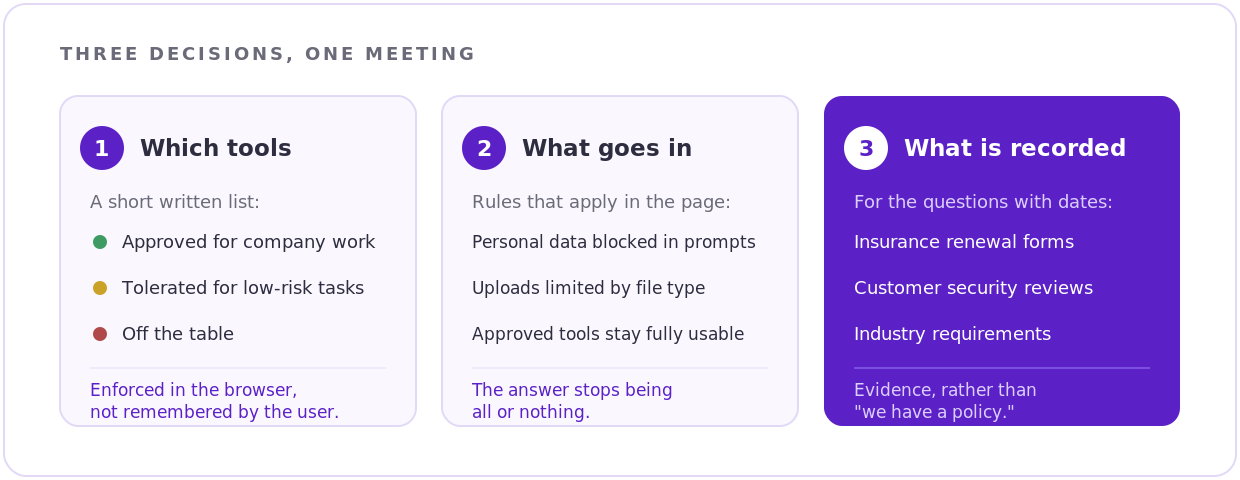
A useful answer breaks into three decisions, and any owner can follow them.
01 Which tools are allowed
Some AI tools are approved for company use, some are tolerated for low-risk work, and some stay off the table. That list is short, and writing it takes an hour. What makes it real is enforcement where people actually work, so the browser itself knows the difference between an approved tool and everything else.
02 What is allowed to go into them
This is where the fear lives, and it is answerable. Personal data can be held out of prompts. File uploads can be limited by type and destination. A finance team can use an approved assistant all day while the customer database stays where it belongs. Owners relax noticeably once they see the choice has more than two settings.
03 What gets written down
For the client facing an insurance form or a customer’s security review, the deliverable is evidence: which tools are in use, by which departments, under what controls, with a record of activity where the industry requires one. That is what turns “we have a policy” into a document that ends the conversation.
Say those three things out loud in a client meeting and you have done something almost nobody in their world has managed. AI becomes a normal, governed part of the business, with your name on the decision.
How DefensX turns each decision into a control
DefensX runs as a lightweight agent and a browser extension, inside the session where the work happens, so all three decisions get enforced at the point of use.
01 The tool list becomes a policy
DefensX manages AI tool access per tenant and per user group, and governs browser extensions in the same place, which matters now that assistants arrive as extensions. Approved tools open normally. Everything else meets a branded message carrying your logo, so the client sees their provider making the call.
02 The data rule becomes controls inside the page
Paste and upload controls apply to AI tools specifically, PII rules can mask sensitive input on entry, and Zero-Trust Files governs what can be uploaded and downloaded. An approved assistant stays completely usable while the material you promised to protect stays put.
03 The record becomes a report
The LLM prompt log records what was asked and when, for the clients whose compliance demands it. Nexi, the AI reporting layer inside DefensX, turns that into a client-ready answer in plain language, and it can be scheduled so the evidence pack lands before every quarterly review.
And the whole thing starts in watch-only mode. No blocking, no user impact, just visibility. The first thing you hand the client is an honest picture of what is already running, which tends to settle the policy argument faster than any slide.
Rollout runs through ConnectWise Automate, Datto RMM or Atera in minutes, all tenants sit in one console, and one seat covers the employee’s work machine plus two personal devices, so the home laptop stops being the gap in the story.
The part that shows up on your invoice
An AI ban stays unbillable forever. An AI service renews every month.
Providers moving early are packaging this as a small recurring line, and every piece of it comes out of the same deployment: the discovery report that shows what is in use, the policy set that makes the approved list real, the scheduled evidence pack for insurers and customers, and the coaching that goes to the handful of users whose behavior calls for it. It prices like any other managed service and lands at the exact moment the client is looking for someone to take the problem off their desk.
The timing works in your favour with prospects too. Most of them are hearing a flat no from their current provider right now, or hearing silence. Walking in with a workable yes is a short path to a second meeting.
Start with the client who already asked
Someone has already put this question to you, probably more than once. Go back to them.
Book a 20-minute demo and bring that client’s name. We will set up the discovery on one tenant, same day, and you will have their real AI picture inside a week. The conversation after that tends to write itself.